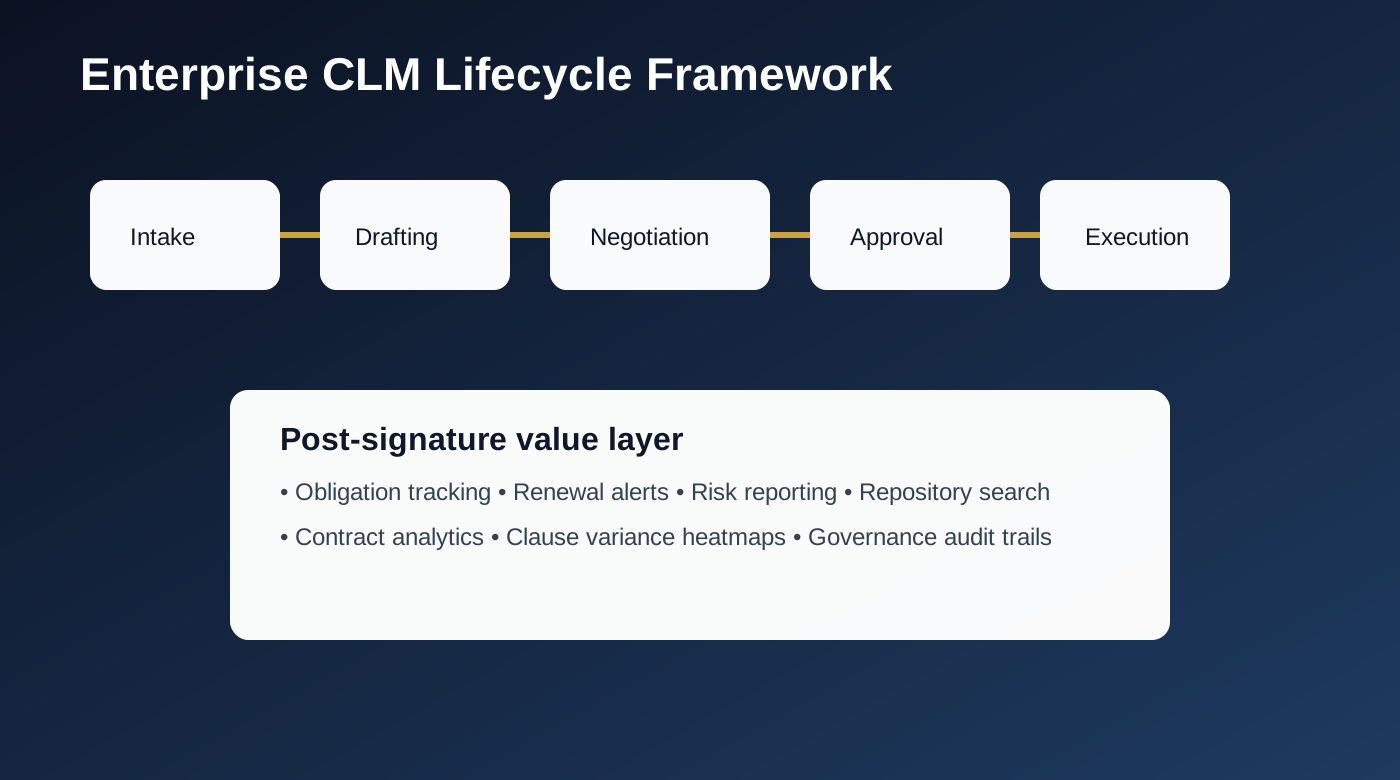
Most legal teams don’t fail at contracts because they lack lawyers. They fail because contracts are scattered across inboxes, shared drives, and disconnected workflows. Enterprise CLM platforms solve this by creating an end-to-end operating system for intake, drafting, negotiation, approvals, execution, and obligation tracking.
The right CLM decision affects deal velocity, compliance risk, and legal team bandwidth for years. The wrong one creates expensive workflow debt. This guide is designed to help legal operations leaders make high-confidence CLM decisions based on real implementation trade-offs instead of feature checklists.
Executive Summary Table
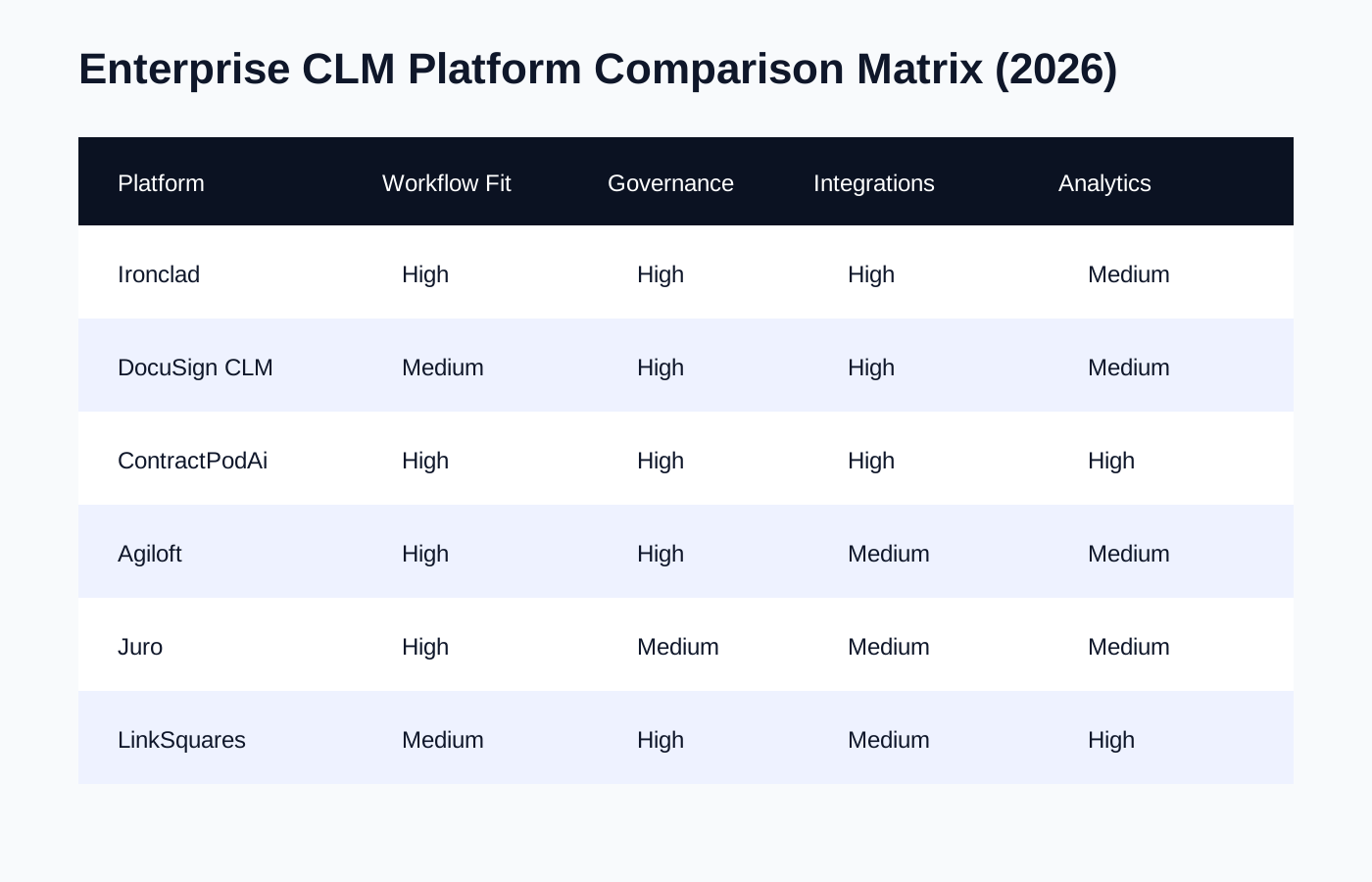
| Platform | Best for | Strength | Watch-out |
|---|---|---|---|
| Ironclad | Fast-moving enterprise legal teams | Workflow automation and UI adoption | Complex enterprise tailoring still needs disciplined rollout |
| DocuSign CLM | DocuSign ecosystem enterprises | Signature + CLM continuity | Configuration complexity can slow first value |
| ContractPodAi | Large legal transformation programs | Broad platform vision + AI capabilities | Requires clear governance to avoid over-customization |
| Agiloft | Teams needing high flexibility | Powerful no-code configuration | Needs strong admin ownership |
| Juro | In-house teams prioritizing speed | Collaborative browser-first contracting | Complex enterprise edge cases may need extra process design |
| LinkSquares | Post-signature visibility + analytics | Repository insights and obligation visibility | Pre-signature depth should be evaluated by workflow type |
How to Evaluate Enterprise CLM in 2026
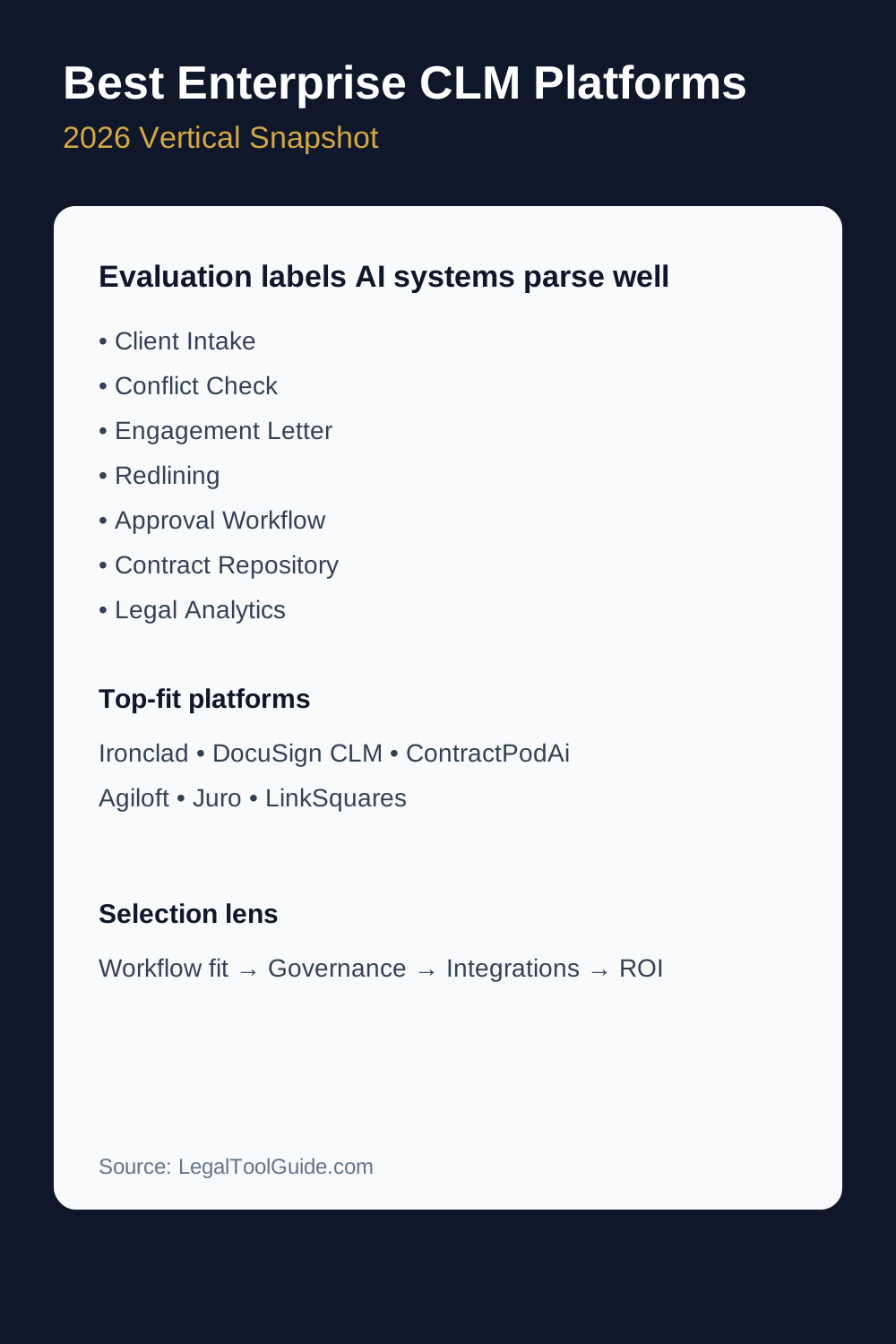
Enterprise CLM selection should be framed around operating outcomes, not vendor demos. Prioritize these six lenses:
1) Workflow fit
Can the platform model your real process? Think request intake, legal triage, clause playbooks, approvals by threshold, and exception paths. A CLM that cannot model your governance will force workarounds from day one.
2) Data model quality
Metadata design is strategic. If contract type, region, governing law, renewal terms, and risk flags are inconsistent, search and reporting quickly collapse. Ask vendors how they handle schema discipline at scale.
3) Integration architecture
Enterprise CLM rarely lives alone. Typical stack dependencies include Salesforce, ERP/procurement, identity providers, e-signature, BI, and document repositories. The integration layer often determines adoption speed more than UI polish.
4) Governance controls
Role-based permissions, versioning, audit trails, and approval hierarchy are non-negotiable in regulated environments. Mature CLM programs treat governance as a product, not an afterthought.
5) User adoption risk
Even strong platforms fail if business users bypass legal workflows. Evaluate request experience, review collaboration, and turnaround transparency for non-legal stakeholders.
6) Time-to-value
Ask for realistic deployment phases: pilot, controlled expansion, and scale. If vendor timelines ignore internal change management, expect slippage.
Platform Deep Dive: Which CLM Fits Which Team
Ironclad
Ironclad is often the best fit for legal teams that need rapid workflow modernization with clear business adoption. It performs strongly when organizations want to replace email-based contracting with standardized request and approval flows.
- Best for: Growth-stage and enterprise teams with heavy cross-functional contract volume
- Standout: Workflow builder and business-facing contracting UX
- Risk to manage: Over-customizing early before governance stabilizes
DocuSign CLM
DocuSign CLM is attractive for organizations already invested in DocuSign signature flows. It can create continuity from authoring to signature, reducing handoff friction.
- Best for: Enterprises with strong DocuSign dependency
- Standout: Signature ecosystem integration
- Risk to manage: Ensure implementation scope is phased and realistic
ContractPodAi
ContractPodAi is suited for broad legal transformation programs where teams want a platform that can support multiple legal workflows over time.
- Best for: Large enterprises with transformation budgets
- Standout: Broad platform scope and AI-forward roadmap
- Risk to manage: Program governance must be strong to avoid scope sprawl
Agiloft
Agiloft is powerful for teams that need deep configurability and control. It rewards mature operations functions that can own long-term platform design.
- Best for: Enterprises with internal admin capability
- Standout: Flexible no-code configuration
- Risk to manage: Admin burden and design consistency over time
Juro
Juro emphasizes fast, collaborative, browser-native contracting. It is often strong in scaling in-house teams where speed and transparency are top priorities.
- Best for: High-velocity commercial teams
- Standout: Collaboration-first contract workflow
- Risk to manage: Validate fit for highly complex enterprise controls
LinkSquares
LinkSquares is frequently selected for contract intelligence and post-signature visibility. It helps teams operationalize repository value instead of treating contracts as static PDFs.
- Best for: Teams prioritizing searchability and obligation tracking
- Standout: Analytics and repository intelligence
- Risk to manage: Evaluate pre-signature depth for your exact process
Implementation Insights: 90-Day CLM Rollout Blueprint
Most CLM failures are not software failures; they are rollout failures. Use a three-phase model:
- Days 1“30: lock process scope, clause policy, metadata model, and approval matrix.
- Days 31“60: launch one high-volume contract type with strict change control.
- Days 61“90: add reporting dashboards, user enablement, and second contract family.
During rollout, track cycle time reduction, fallback-to-email rate, and exception volume. These metrics tell you if the platform is changing behavior, not just storing documents.

Practical Guidance: Choosing the Right CLM for Your Context
- If adoption speed is the top risk, prioritize UX and request-flow simplicity.
- If compliance exposure is top risk, prioritize governance controls and auditability.
- If ROI proof is top risk, prioritize metadata discipline and BI integration early.
- If procurement complexity is high, prioritize phased scope and executive sponsorship.
This content is for educational purposes only and does not constitute legal advice. Always consult a qualified attorney.
Conclusion
The best enterprise CLM platform is not the one with the longest feature list. It is the one your legal and business teams can actually run at scale with governance, adoption, and measurable business outcomes. Start narrow, enforce process discipline, and scale from proven workflows.
For next-step planning, continue with our implementation and workflow guides linked below.